Designed for Sunday worship
Live worship demands discretion and reliability, not another social feed competing for attention.
In-depth platform guide
This page goes deeper than the homepage overview. Review a full side-by-side product comparison, advanced modules by plan, deployment patterns, and live pricing when you are evaluating Sanctuary Signal with leadership or mapping it to radios, training, and compliance workflows you already use.
Built for mixed team profiles: off-duty law enforcement in uniform, visible team members with lanyards and discreet earpieces, and plain-clothes responders who coordinate in the background.
No app required. Works on the phones your volunteers already carry.

A quick walkthrough of check-in, on-duty visibility, direct messages, supervisor broadcasts, and end-of-shift review.
CHECKIN.@Name.See product tour See SMS playbooks See full product comparison
Live worship demands discretion and reliability, not another social feed competing for attention.
Message history, broadcast control, and summaries help leadership debrief without guesswork.
TEXT works on any phone without installs - meeting volunteers where they already are.
Many church safety teams combine texting with radios or headsets to keep communication discreet during service. Some also repurpose workplace chat tools for BOLO-style updates and coordination. In practice, teams patch together tools that were never designed for duty routing, authority controls, or accountability.
Purpose-built for discreet coordination-without sharing contact lists or noisy group threads.
Team members don't need anyone else's number. Personal contact info stays private.
Send a direct message using @Name. If there's more than one match, you'll be prompted to choose.
Text STATUS to view who's checked in right now-no guessing, no calling around.
Role-based broadcast control plus message history for leadership review and follow-up.
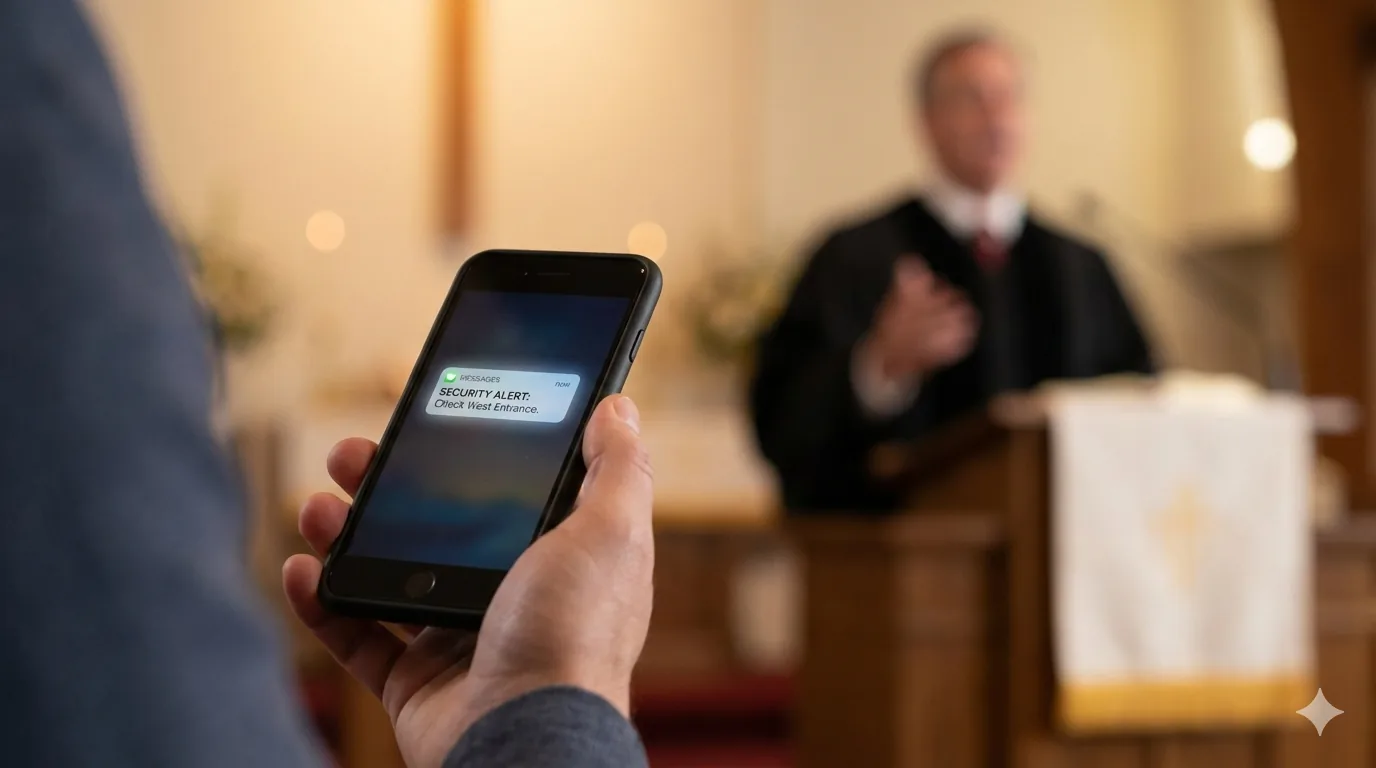
SMS-first communication built for duty routing, broadcast authority, and accountability during worship. Use the live demo to see how check-ins, STATUS, supervisor broadcasts, and @Name routing read on a handset without installing an app.
Lightweight, dependable dispatch that works on any phone.

A practical view of how teams commonly coordinate today and where TEXT provides clearer duty routing, authority controls, and accountability.
| Capability | Sanctuary Signal TEXT | Group Texts | WhatsApp / GroupMe / Band Consumer group chat |
Slack / Microsoft Teams Workplace chat |
Church mass-notification tools Broadcast-first |
|---|---|---|---|---|---|
| No app required | Yes | Yes | Usually no | Usually no | Usually yes |
| Works well for rotating volunteers | Yes | Usually no | No | No | Usually no |
| On-duty routing (check-in/out; target only on-duty) | Built in | No | No | No | No |
| Direct message by name (no contact lists needed) | Built in | No | No | Usually yes | No |
| Broadcast authority controls | Yes | No | Usually yes | Usually yes | Usually yes |
| Message history / accountability | Yes | No | Usually no | Yes | Usually no |
| Incident workflows (assign / escalate / resolve) | No | No | No | No | No |
| Dashboard and metrics | Console | No | No | No | Usually yes |
| SMS fallback when app/push isn’t available | Yes | Yes | Usually yes | No | No |
| Best fit | Universal reach and low-friction coordination | Same users always working together | All users have deployed the app and have know how | Staff workplace collaboration | One-way alerts / broadcasts |

Your team already has plans, schedules, and training. Sanctuary Signal can be the SMS communication layer that makes them actionable during live services - especially for volunteers who will not download another app or reliably monitor push notifications. Deployments focus on fast onboarding, clear role ownership, and structured communication paths. Teams can launch with TEXT first, then add richer workflows as ministry needs evolve.
Many campuses also want Sanctuary Signal to sit alongside tools they already use for compliance documentation, incident review, and team training. We can map that fit during onboarding without locking you into a single-vendor stack.
Explore comparison guides, use-case workflows, and templates to plan your team’s communication model.
Small, Medium, and Large. Medium is the recommended plan for most churches. See the dedicated pricing page for plan comparisons, and overage examples.
*Monthly active users are unique users who check in or send/receive messages during the month. Billing is based on monthly active users - not roster size, shifts, or days used. Product Owners can also be a user and excluded from monthly usage counts.*
Tell us about your church team and how you coordinate today.
Submission Received
Your form has been submitted successfully. We will review your information and follow up soon.