Slack/Teams Volunteer Friction Briefing
This page is the fast diagnosis view.
If your ministry already uses Slack or Teams, these are the pressure points that usually show up first on Sunday operations.
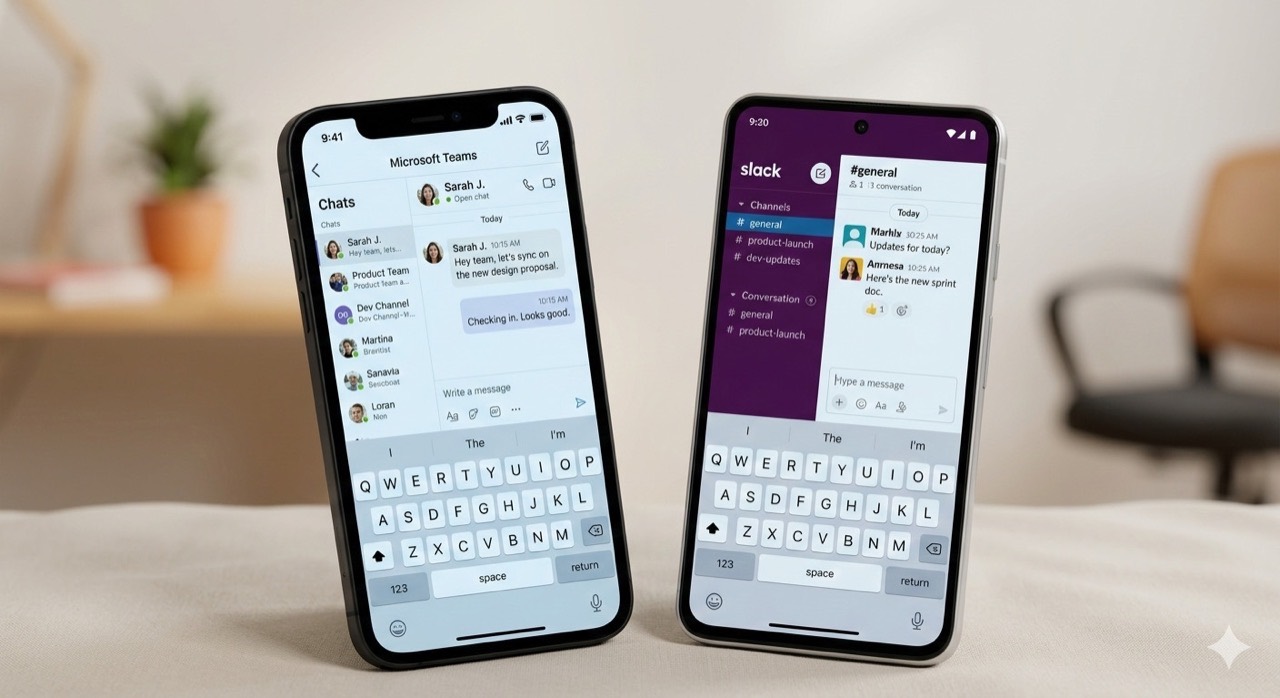
What Usually Goes Wrong First
If You Keep Slack/Teams, Add Guardrails
1. Duty Layer
Publish a clear check-in/out rule every service window.
2. Broadcast Rule
Limit high-priority alerts to designated leaders only.
3. Closeout Rule
Require end-of-shift recap for message and action review.
Rotation reality for volunteer-heavy teams
Slack and Teams shine when everyone works in the same company tenant week after week. Church safety teams break that assumption: new volunteers every month, mixed comfort with apps, and phones that stay in pockets during worship. If you keep a workplace tool in the stack, expect to spend energy on account lifecycle (joining, muting, leaving channels) that a SMS-first workflow mostly avoids.
Guardrails help, but they need enforcement. Publish the three rules in the card row during training, then audit a month of traffic: Did off-duty people stay quiet? Did broadcasts stay rare? Did someone produce a recap? If any answer is inconsistent, consider whether SMS should be the coordination layer while Slack remains for midweek staff planning. Compare workplace chat tradeoffs for a fuller narrative you can share with leadership.